Torrey Trust’s Slides on AI and Ethics
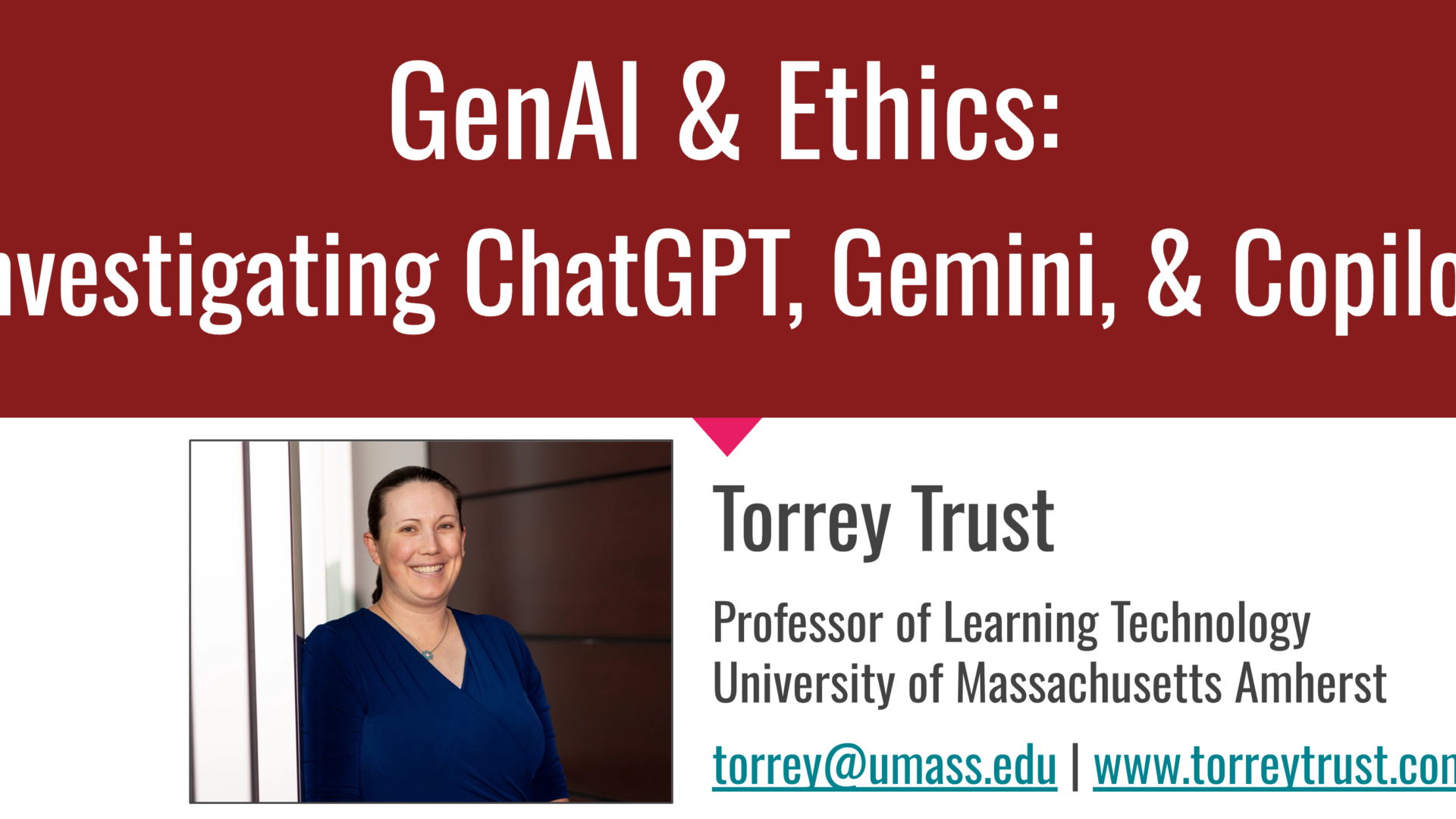
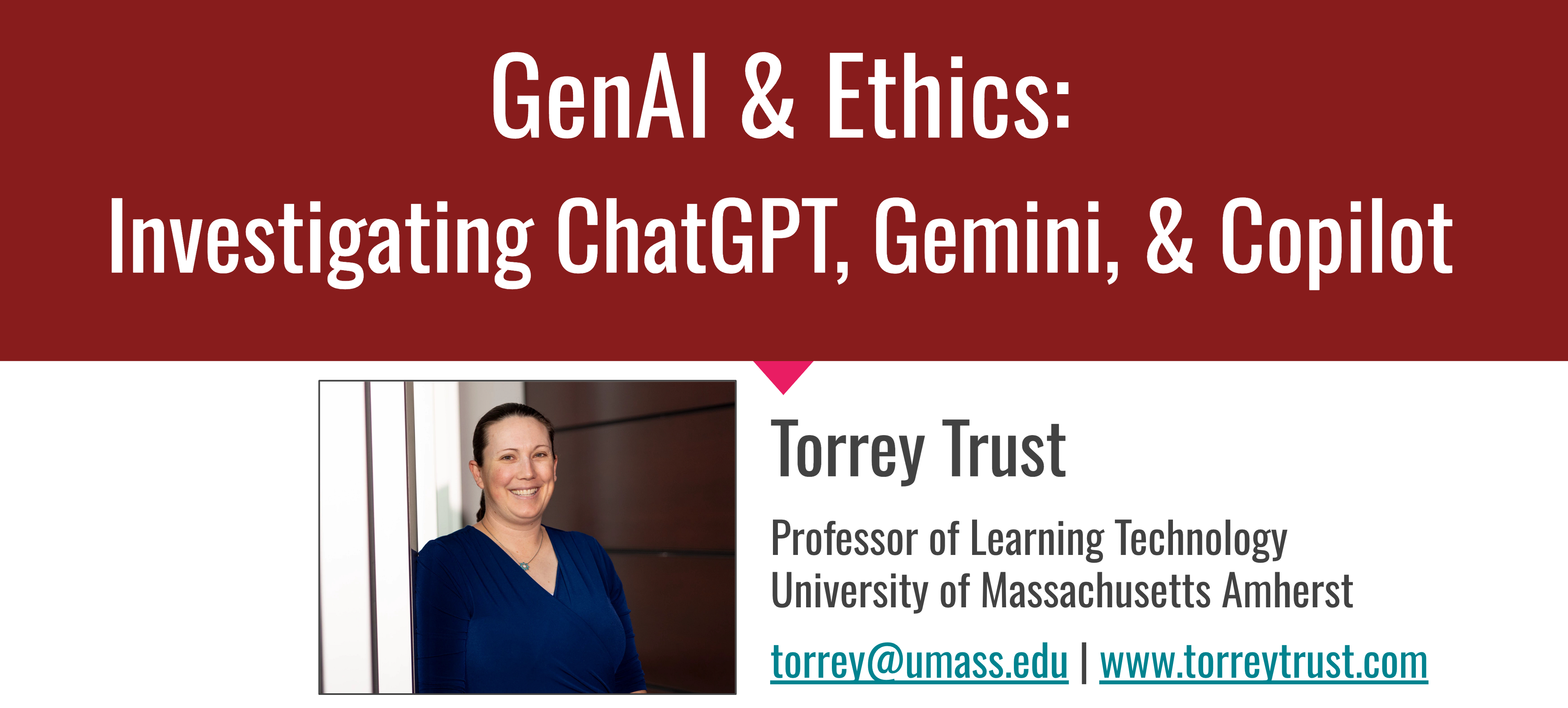
Dr. Torrey Trust, Ph.D., is Professor of Learning Technology at the University of Massachusetts Amherst. Her slide presentation “AI & Ethics: Investigating ChatGPT, Gemini, & Copilot” offers a concise tour of three of the major AI chatbots while exploring some of the ethical considerations to keep in mind with AI generally, including its impact on privacy, intellectual property, human labor, and the environment (the information one as well as the natural one).
Trust’s presentation offers thoughtful guidance on matters like the use of AI in grading and assessment and how to think about AI and academic integrity. One of her most helpful slides suggests educators consider taking these steps:
- Update/add to your course academic integrity policy in your syllabus to include what role AI technologies should and should not play and then ask students to collaboratively annotate the policy and offer their suggestions.
- Invite students to co-design the academic integrity policy for your course (maybe they want to use AI chatbots for helping with their writing Or, maybe they don’t want their peers to use AI chatbots because that provides an advantage to those who use the tools!).
- Provide time in class for students to discuss the academic integrity policy.
In addition, Trust offers these tips for (re)designing the AI policy on your syllabus:
- Define what you mean by AI (e.g., Grammarly? ChatGPT? Google Docs Autocomplete?)
- Be specific about when students can and cannot use AI:
- When is the use of AI allowed? (e.g., for brainstorming? For a specific assignment? For improving writing quality?)
- When is it not allowed? (e.g., for doing students’ work for them)
- Does informing the instructor about the use of AI make its use allowable?
- NOTE: If you ban AI for your entire course or certain assignments, consider who that might privilege, and who that might negatively impact (e.g., English language learners, Students with communication disabilities, and others who rely on these tools to support their writing).
- Explain why the use of AI is not allowed (e.g., “writing helps improve and deepen thinking,” “writing makes your thinking visible to me,” “writing is an important 21st century skill”; see Terada, 2021)
- Be transparent about how you plan to identify AI-generated texts:
- Will you be using an AI text detector? (If so, read this first!)
- What will happen if one of these tools flags student work as AI-generated?
Trust has made her slides available under a CC BY NC 4.0 license, so you can freely use, remix, and share them as long as you give attribution and don’t use them for commercial purposes.