
How to Use the CDL’s Public Zotero Library
Geneseo’s Center for Digital Learning maintains a public, searchable bibliography of resources on all things digital using Zotero, free software for collecting, organizing, annotating, citing, and sharing research made possible by the Corporation for Digital Scholarship, a nonprofit organization dedicated to the development of software and services for researchers and cultural heritage institutions.
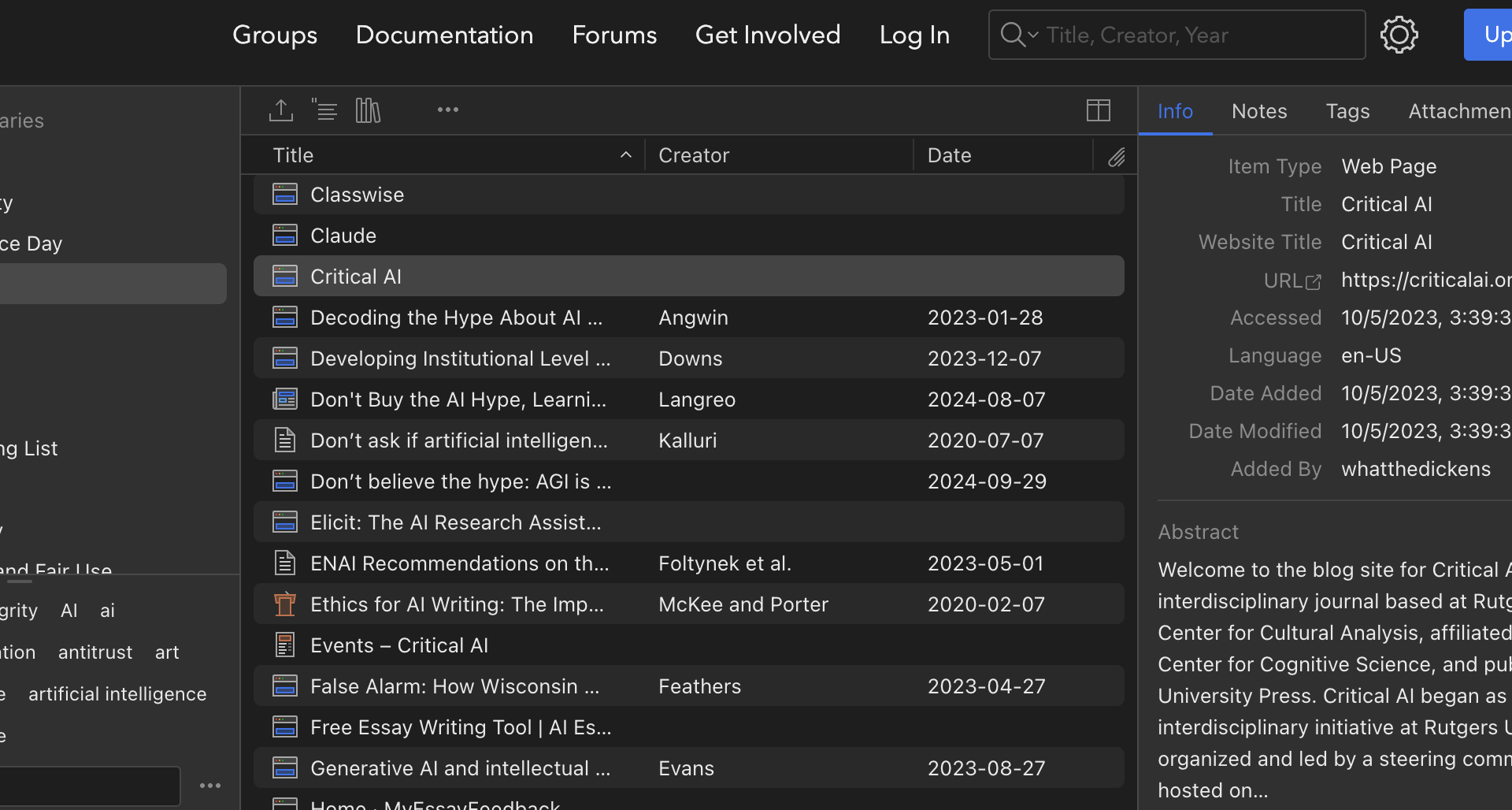
The bibliography is organized into “collections,” with each collection represented by a folder icon in the left navigation. You can search the bibliography by keywords or by the tags that also appear in the left navigation, near the bottom.
We’re constantly adding bibliographical references to these collections, including the collection of resources on AI.
Click on any individual bibliographic entry to open a panel with information about it—including (for web resources) a link to the original resource and, in some cases, a link to pdf content. The web being what it is, some of these links are bound to get broken after a while. In cases where the original resource has moved (as opposed to having simply disappeared from the web), the bibliographical information for the Zotero entry may enable you to locate it through a web search.
If you’re interested in contributing to the CDL’s Zotero library, you can request membership in the CDL’s Zotero group after registering a Zotero account. (If you use an RSS reader, you can use the URL of the group’s home page to get a feed of the group’s most recent bibliographical additions whether or not you’re a registered Zotero user.)
You can also suggest additions to the library by emailing cdl[at]geneseo.edu.